Keep Footer at Bottom of Webpage
The footer defines the end of a web page (or section), and typically contains copyright
information,
contact details, navigation links, etc.
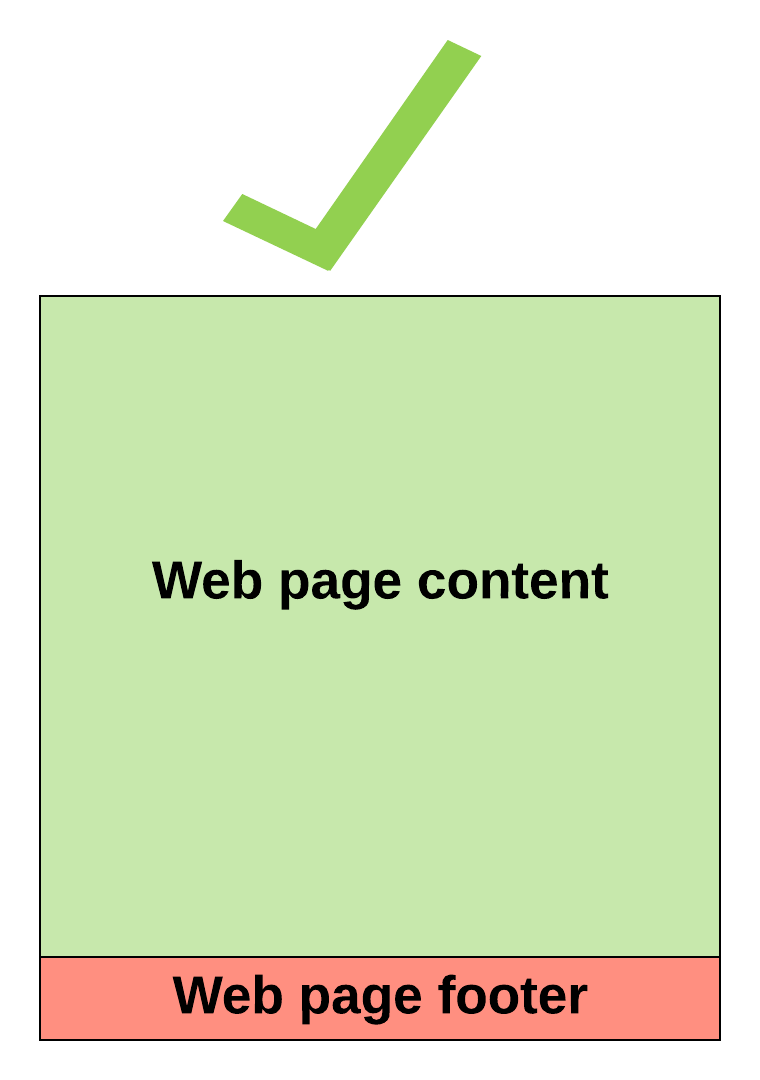
Proper Footer Placement
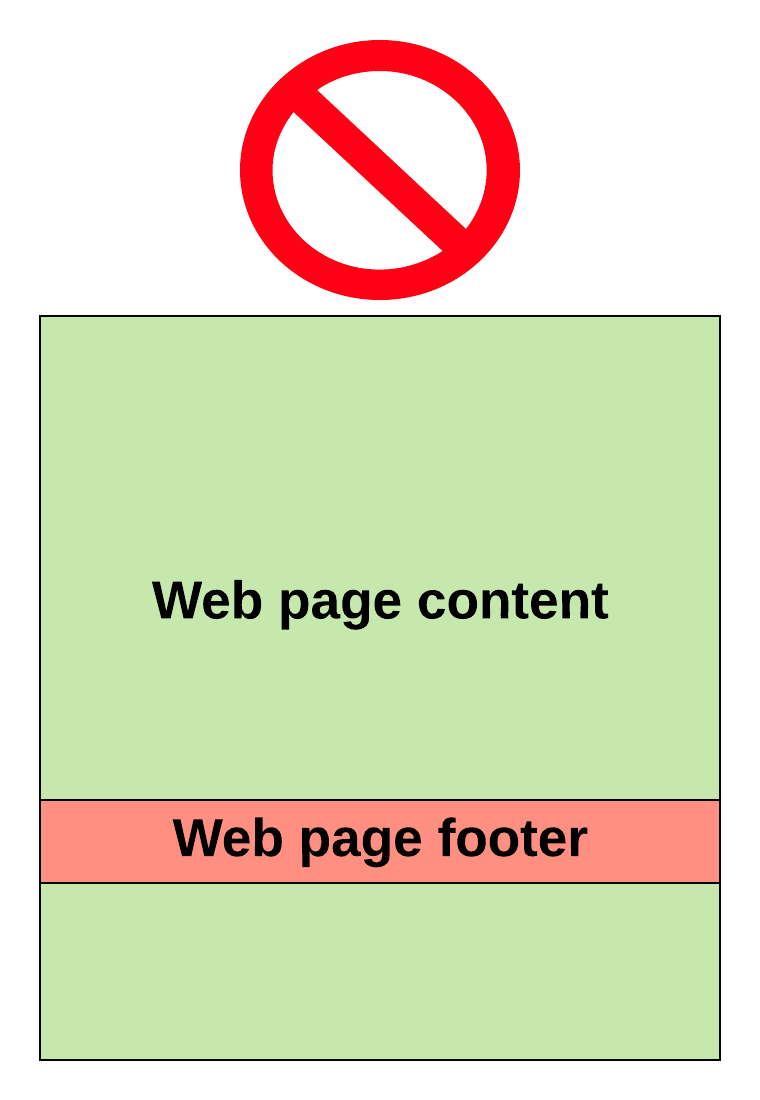
Incorrect Footer Placement
How to ensure proper footer placement
Step 1: Use this as your template.html
<!DOCTYPE html>
<html>
<head>
    <link rel="stylesheet" type="text/css" href="main.css" />
</head>

<body>
    <div id="page-container">
        <div id="content-wrap">
            <!-- all other page content -->
        </div>

        <footer id="footer"></footer>
    </div>
</body>

</html>
Step 2: Use this as your template.css
#page-container {
    position: relative;
    min-height: 100vh;
}
#content-wrap {
    padding-bottom: 2.5rem;    /* Footer height */
}
#footer {
    position: absolute;
    bottom: 0;
    width: 100%;
    height: 2.5rem;            /* Footer height */
}
Step 3: Add your content, and you're done.